
ReiBoot
ReiBoot is a Tenorshare utility for Windows that puts an iPhone or iPad into or out of recovery mode and repairs common iOS system problems.
69.7 MB

1.19 · AllWinner Technology · Page updated
PhoenixSuit is a Windows tool from AllWinner Technology for installing firmware on Android tablets, TV boxes and other devices built on Allwinner chips.
Average 0.0 · ratings: 0
Thank you! Your rating is saved; you can change it. Could not save the rating. Please try again later. Too many ratings from your network today. Please try again tomorrow. The average appears after 5 ratings.
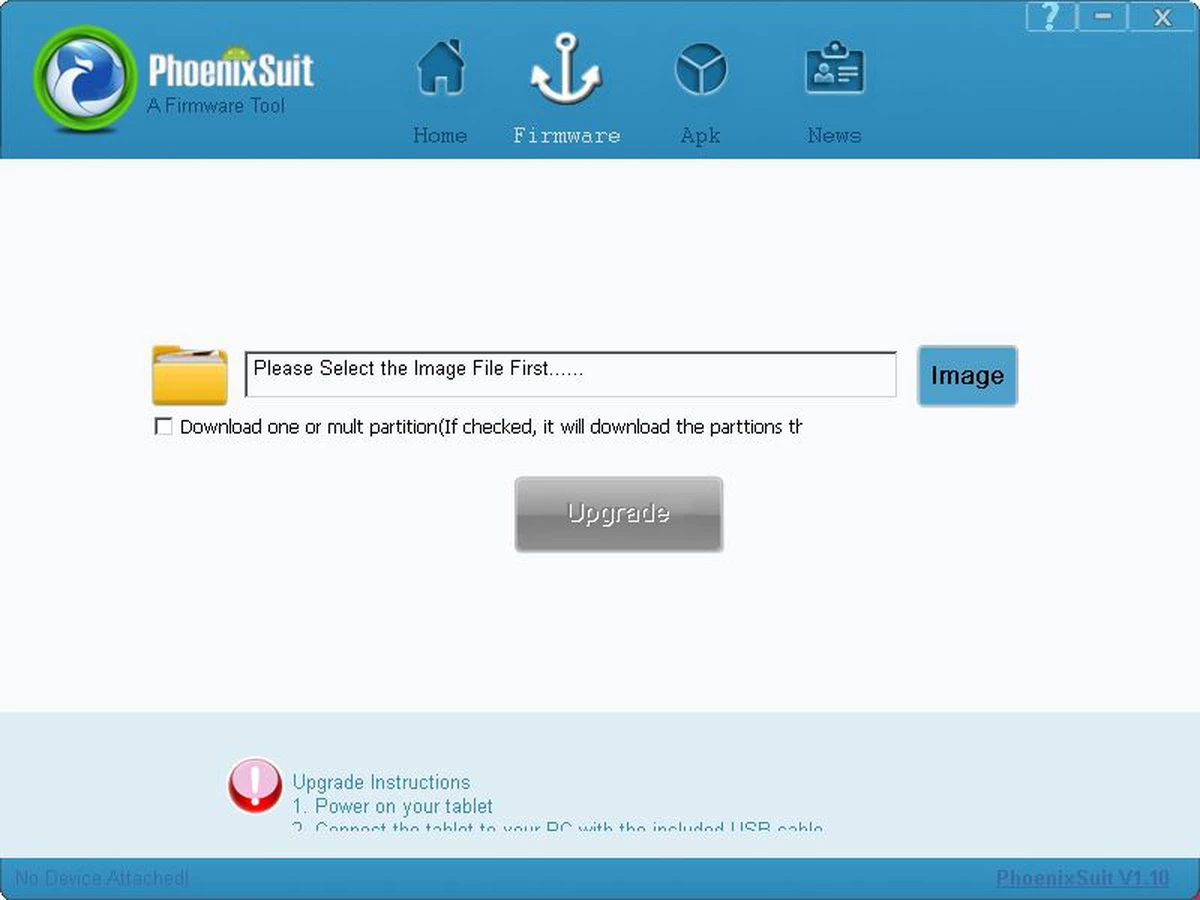
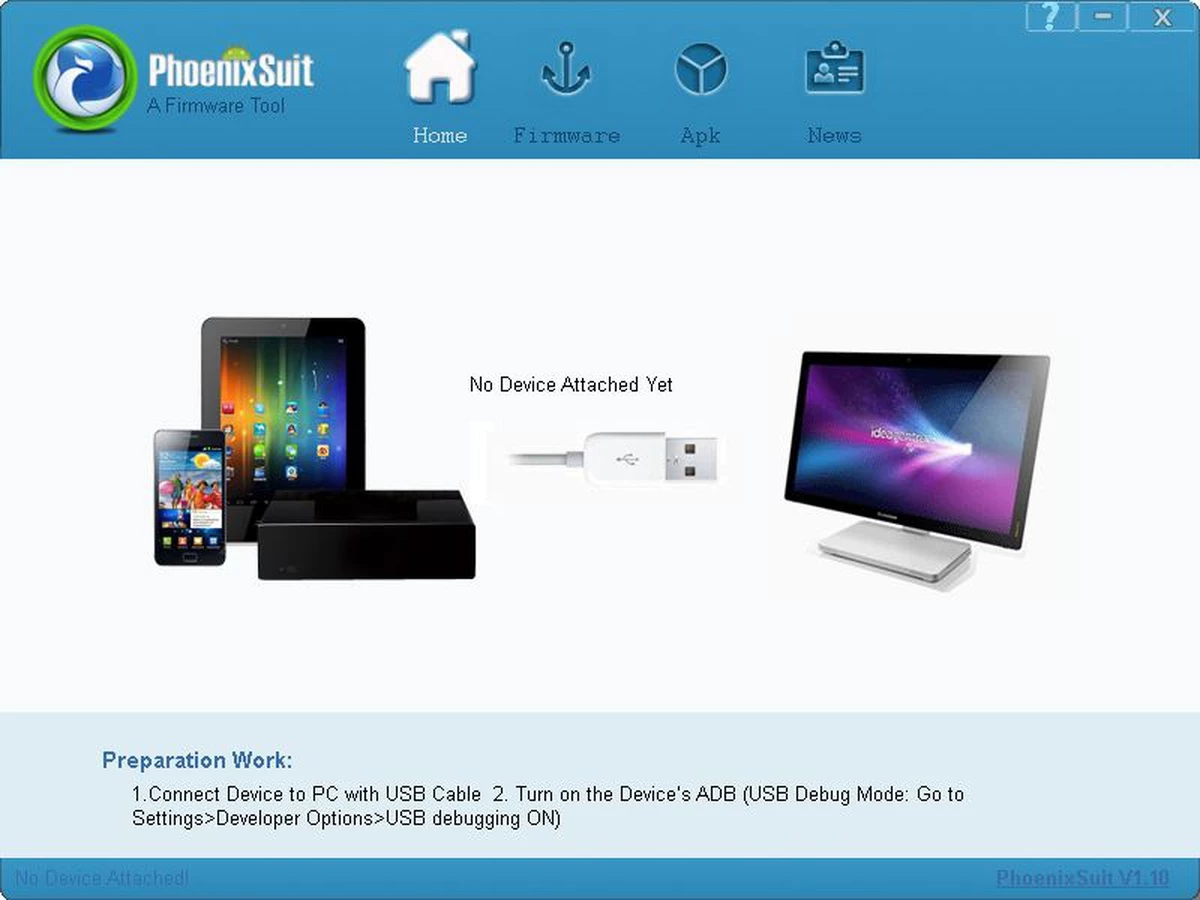
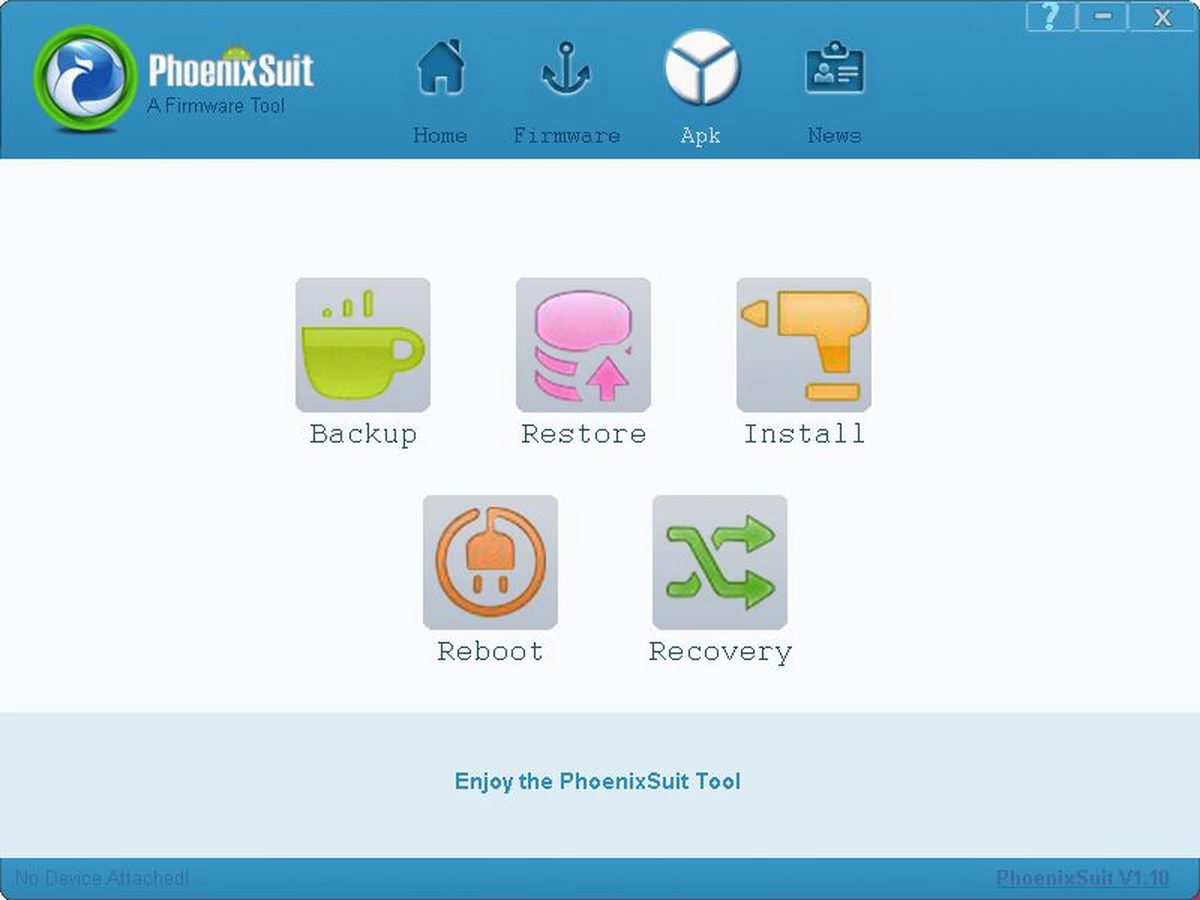
PhoenixSuit 1.19 is a Windows utility from AllWinner Technology for writing firmware to devices built on Allwinner processors: many budget Android tablets, TV boxes, car head units and single-board computers. It connects to the device over USB and replaces its system software with a firmware image. You can download PhoenixSuit for Windows free of charge, but read the risks below before using it.
PhoenixSuit is a repair and service tool. It is used when a tablet or TV box no longer starts, hangs on the logo, or needs a clean system after an infection or a failed update, and when the manufacturer provides firmware as an image file for exactly this purpose. Repair shops use it daily, and experienced owners use it to restore a device that would otherwise end up in a drawer. It is not a tool for everyday maintenance, and it is not a way to "upgrade" a device to a newer Android version that the manufacturer never released. Firmware images are specific to a board and its components: an image for a similar-looking tablet with a different screen or memory chip can leave the device unusable. If you are not sure the firmware is meant for your exact model and board revision, stop and ask the manufacturer or seller first. For most owners, a factory reset from the device's recovery menu is the right first step.
| Item | Details |
|---|---|
| Version | 1.19 |
| Developer | AllWinner Technology |
| Platform | Windows |
| Licence | free |
| Size | about 25.69 MB according to catalogue data |
The chip maker's site is allwinnertech.com; firmware for a specific device, however, comes from the device's brand, not from AllWinner.
For Samsung phones, Samsung Smart Switch handles backups and official updates, and Huawei HiSuite does the same for Huawei devices. Debloater removes unwanted apps from Android devices without reflashing.
ReiBoot is a Tenorshare utility for Windows that puts an iPhone or iPad into or out of recovery mode and repairs common iOS system problems.
DirectX 9.0c is an older version of Microsoft's multimedia and graphics APIs that many classic Windows games still need to run.

DirectX 10 is a version of Microsoft's multimedia and graphics API that comes with Windows; older games may also need the DirectX End-User Runtime.

3uTools is a free Windows program for managing an iPhone or iPad from a PC, including files and device information.

Huawei HiSuite is Huawei's official PC suite for Windows and macOS for backing up, managing and updating Huawei phones and tablets.

DirectX 11 is a version of Microsoft's collection of multimedia and graphics APIs that Windows games and apps use to work with the graphics card and sound.
DirectX 12 is Microsoft's graphics and multimedia API for Windows. It is part of the system and updated through Windows Update and graphics drivers.

DriverPack Solution is a free Windows tool by Artur Kuzyakov that detects missing or outdated drivers and installs them from its own driver collection.